Page 1 of 1
Seafire's screens
Posted: Wed Feb 04, 2009 7:31 pm
by Seafire with posting problems
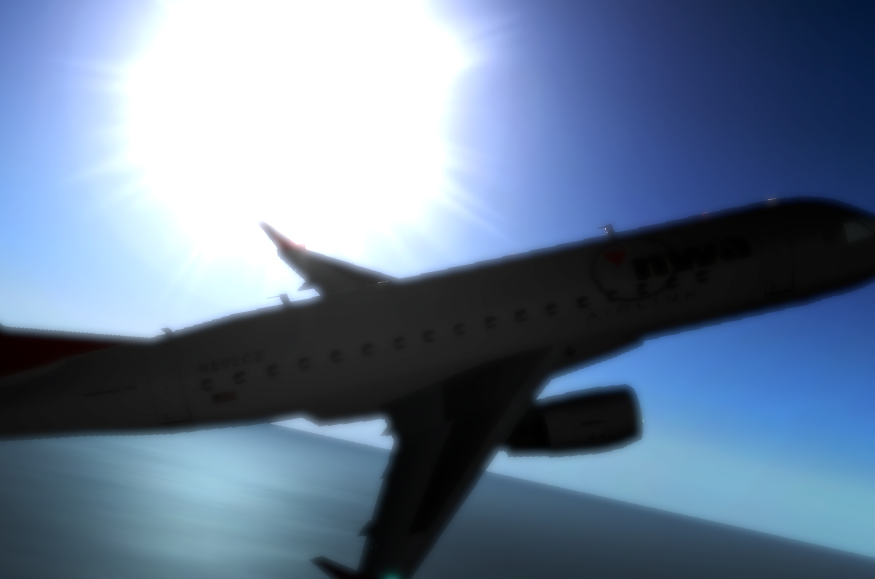
Hi everyone. I've just recently taken up screenshotting in X-Plane, and toyed with a few. I'll start with the best one i did so far, this was with iPhoto.
http://i253.photobucket.com/albums/hh80 ... hot_14.png
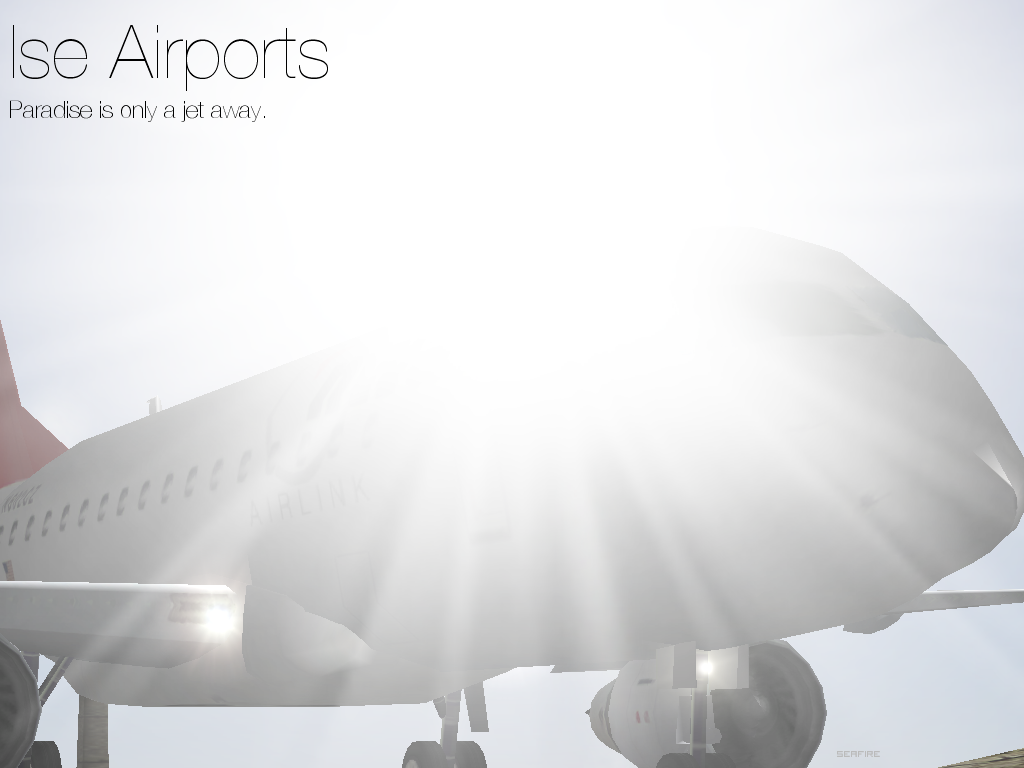
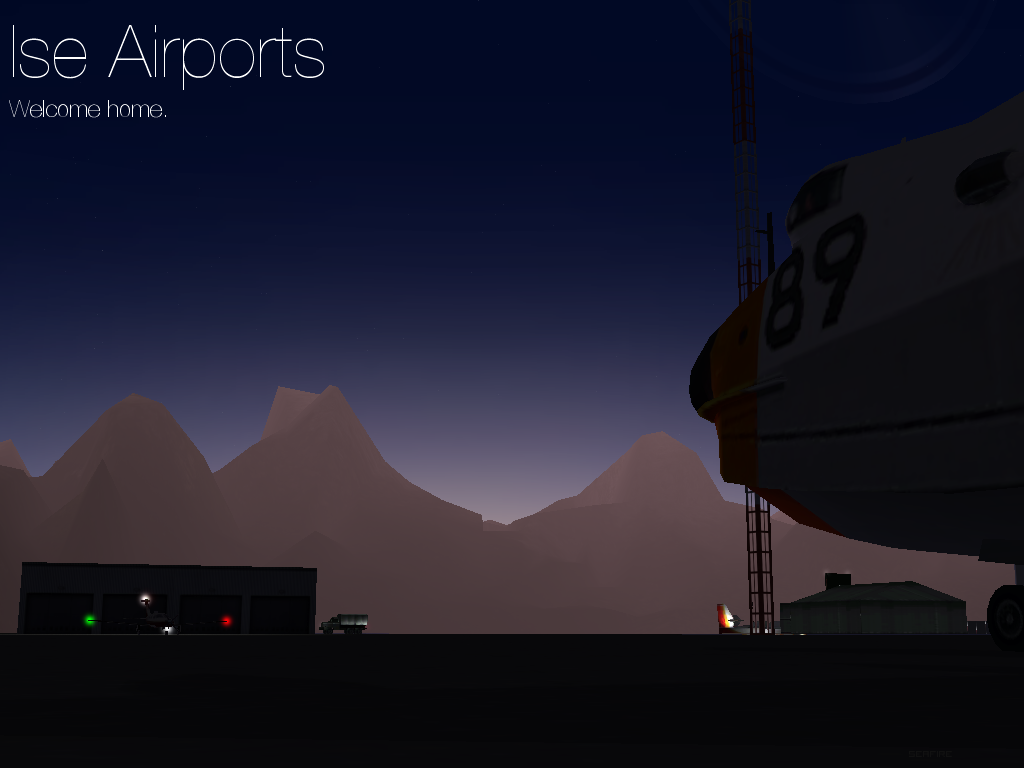
And here are a couple of posters for Ise Airports. ise is an Island in
this scenery kit.
http://i253.photobucket.com/albums/hh80 ... oster2.png
http://i253.photobucket.com/albums/hh80 ... oster1.png
Re: Seafire's screens
Posted: Thu Feb 05, 2009 2:43 pm
by Noodle
Here's a couple more.
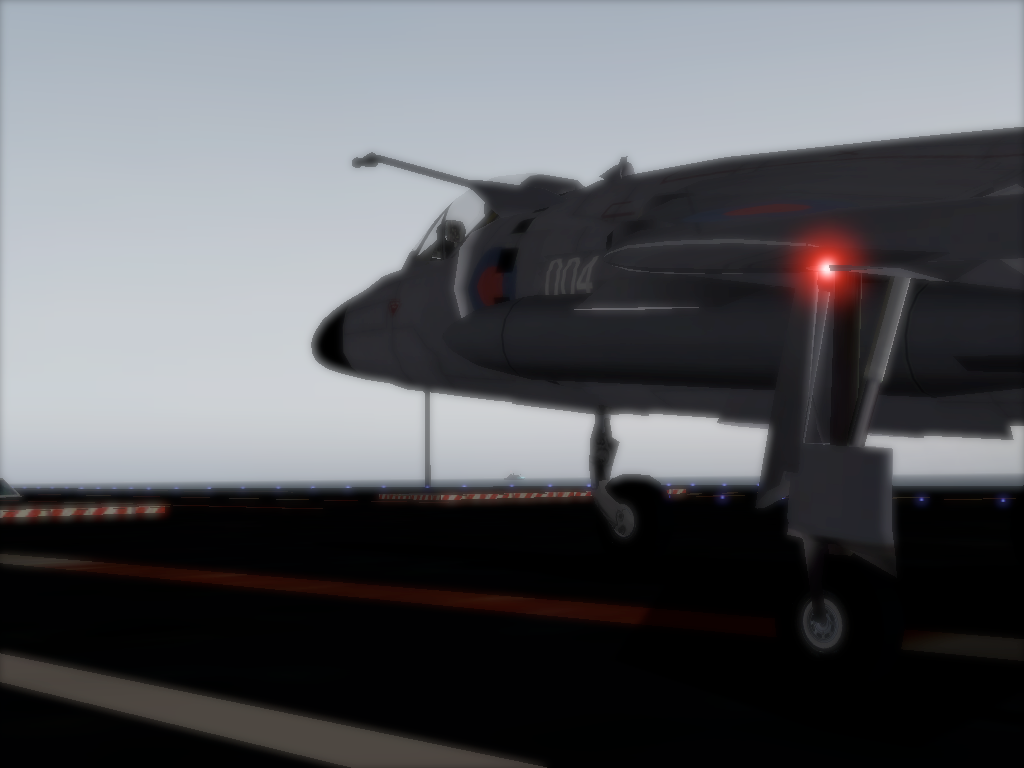
http://i253.photobucket.com/albums/hh80 ... hot_29.png
Royal Navy Sea Harrier aboard H.M.S Queen Elizabeth (in the future, of course.). The bulk of the H.M.S Manchester can be seen in the distance.
http://i253.photobucket.com/albums/hh80 ... hot_25.png
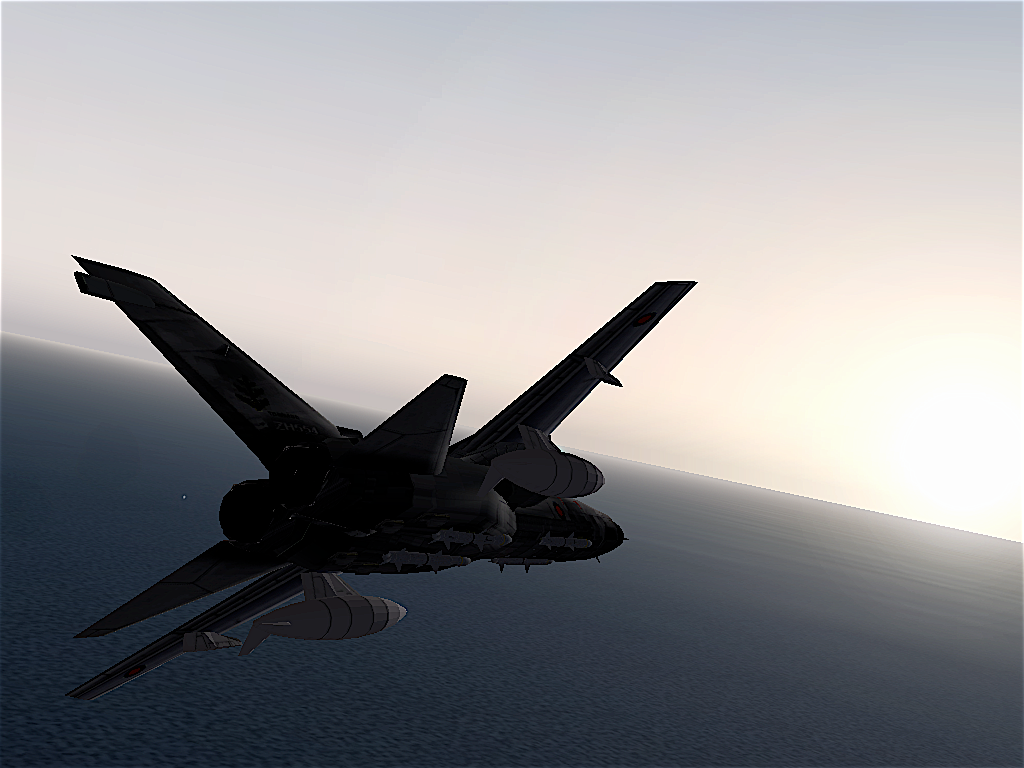
RAF Tornado over the English Channel in the early evening.
Re: Seafire's screens
Posted: Thu Feb 05, 2009 3:41 pm
by Devious
Nice pictures.
Can you make them look al little less pixely (I know its cause of the game) You can do it easily with the blur tool.
Re: Seafire's screens
Posted: Thu Feb 05, 2009 9:40 pm
by TaxiService
don't the game has an anti-aliasing feature or something?
Re: Seafire's screens
Posted: Sat Feb 07, 2009 5:11 am
by Sharker
last one is fugly, amrite?
Re: Seafire's screens
Posted: Sat Feb 07, 2009 8:23 am
by Noodle
@Taxi: Yeah, I just kinda never use it, lags like crazy on my shitty old Tiger comp. I had to downgrade to V8 to do anything.